
Web design
Websites that bring in the work.
Is your website old, slow or not bringing in calls? Or have you not got one yet? We build clear sites that help people find you and get in touch.

- Built for phones first
- Words written with you
- Set up for Google
How a customer finds you
From Google to your inbox
Example- Searches Google“joiner near me”
- Lands on your siteSees what you do straight away
- Taps “Get a quote”Leaves their name, job and number
- Enquiry in your inboxReady for you to call back
What you get.
A site that tells people what you do and makes it easy for them to get hold of you.

Built for phones first
When someone looks you up on their phone, they can read every word and tap your number without pinching and zooming.
Words that sound like you
We write the words with you, in plain English, so a visitor can quickly tell what you do and where you work.
Enquiries that reach you
Messages from your contact form go straight to your email inbox, so you can get back to people while they're still keen.
Set up for Google
We add the behind-the-scenes details Google reads: a title and short description for each page, and a sitemap, which is a list of your pages. It helps Google understand what each page is about.

Designed for the phone in their hand.
Picture someone on their lunch break, looking for a hairdresser on their phone. Your site needs to work for them there and then. So we design for the small screen first, and make sure it works on laptops and desktops too.
- 01
Says what you do straight away
The first thing a visitor sees tells them what you do and where you work.
- 02
Shows why people can trust you
Your reviews and photos of real jobs go where visitors will spot them.
- 03
Makes getting in touch easy
Every page has one clear way to contact you, whether that's a call, a form or a booking. People shouldn't have to hunt for your number.
- 04
Loads quickly
We keep pages light and size photos properly, so nobody is left staring at a blank screen.
Is your website doing its job?
Tick what your site does today. Nothing is sent anywhere. No website yet? Treat it as a list of what yours should do.
Your score
0 / 6
Tick everything your site does today.
How it works.
No long-term lock-in contracts. You deal directly with Davie, the person doing the work, from the first call to launch.
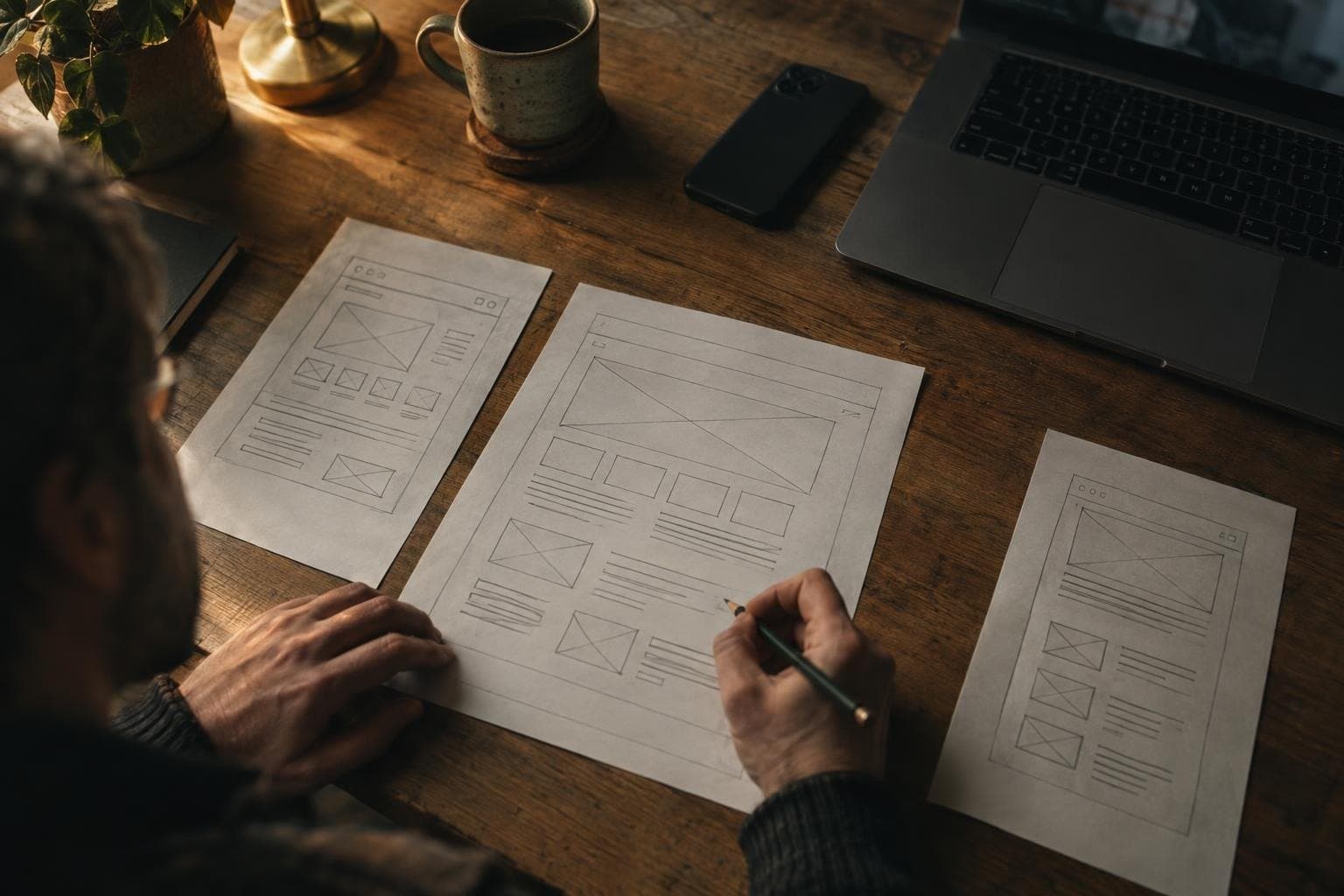
- 01Intro callA free 15-minute chat about your business and what you need the website to do for you.
- 02Plan the pagesWe agree which pages you need, what each one says and how enquiries should reach you. You'll know the price before any work starts.
- 03Design and buildWe design and build your site. You see it and check it before anything goes live.
- 04Launch and hand overWe put it live, then talk you through it and leave you simple notes, so you know how it all works.
Already on Microsoft 365? There's an optional extra.
If you use Microsoft 365 (the business package behind Outlook and Teams), each website enquiry can be saved and passed to the right person without anyone copying it across.
Website enquiries, sorted
Someone fills in your contact form. It lands in your Outlook inbox and gets added to a list in SharePoint, Microsoft 365's shared file space. Then the right person gets a Teams message to follow it up.
Web design questions.
Yes. We can build on the site you have or start fresh, whichever suits you. On the intro call we'll look at what's working and what isn't.
No. Enquiries come straight to your email inbox, whatever email you use. If you already use Microsoft 365, they can also be saved to a list and passed to the right person in Teams.
We'll sort that out before we start. Tell us whether you'd rather update it yourself or have us look after it. Either way, you get a walkthrough and simple notes at handover.
Pairs well with a new website.


Let's stop
the clock.
Book a free 15-minute intro call and tell us which jobs are eating your week. We'll tell you plainly what we could take off your plate.
info@timeliberation.net